
Microsoft 365 Managed Security & Monitoring
Microsoft 365 is powerful, but not secure out of the box.
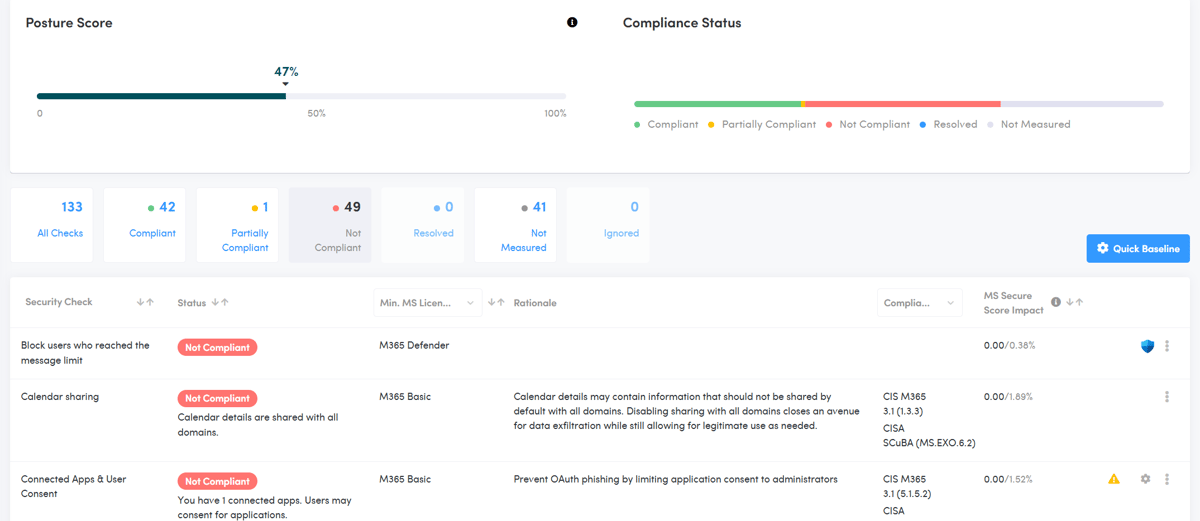
Optimize & protect it, starting with our FREE 133 Point Risk Assessment.
49% of Microsoft 365 Tenant Users
believe Microsoft backs up tenant configurations. It doesn’t.
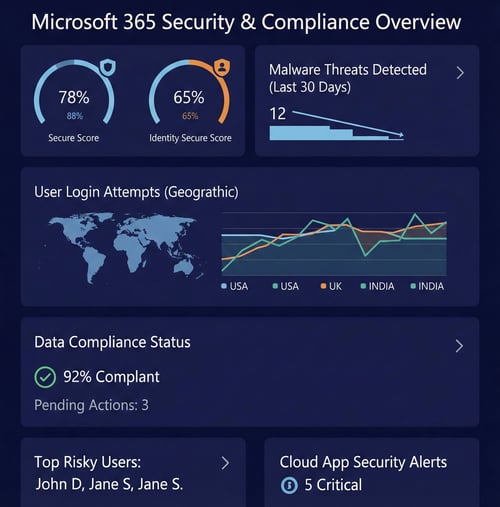
68% of organizations report that attackers attempt to access Microsoft 365 weekly, daily, or constantly. It’s no surprise, M365 contains crown jewels like Entra ID, SharePoint, Exchange, and Teams.
Verizon’s 2025 DBIR found 82% of breaches involve identity. Yet nearly 60% of enterprises lack basic identity hygiene, like enforcing MFA through conditional access policies. These misconfigurations quickly become prime attack vectors.
A major study of 1.6 million Microsoft 365 users found that 90% of organizations have significant gaps in their security configurations, particularly in MFA, email security, and password policies.
In just the first half of 2025, attackers compromised 15.7 billion records worldwide, nearly double the same period in 2024. Breaches are now more frequent and more expensive (average breach cost: $4.88M)
FREE 133 Point Risk Assessment.
Don't hope it's secure. Measure it.
Our Risk Assessment starts with a deep dive of your entire Microsoft 365 tenant. Including Entra ID, Exchange, Teams, SharePoint, and more!
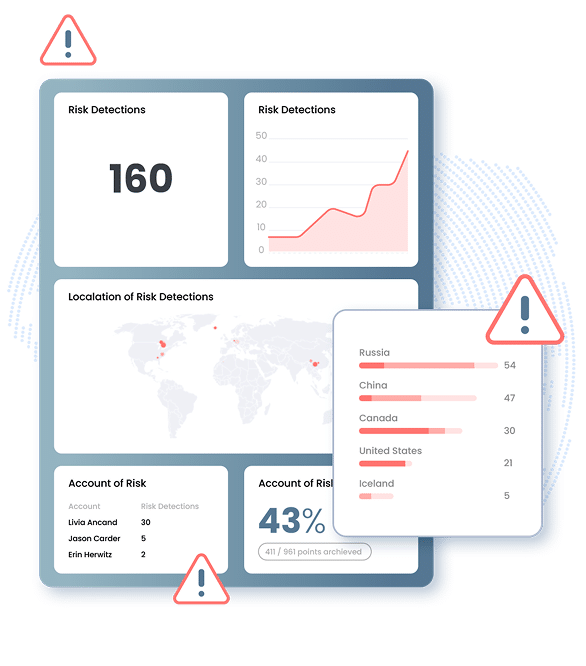
We compare your current settings against global industry standards like the CIS Benchmarks to find the exactly where your business is vulnerable. Whether it is unmanaged devices, weak password policies, or "shadow IT" apps accessing your data, we find the cracks in the foundation before a cyber criminal does.
You'll receive a clear roadmap of exactly what areas need attention and why it matters for your bottom line.
Buying a Microsoft 365 license is just the first step.
Most believe that paying for a subscription makes M365 secure. Out of the box it has major security gaps.
The reality is that Microsoft provides the tools, but you are responsible for how they are configured. Out of the box, most M365 environments are set up for convenience, not security.
We handle the complex configurations and constant monitoring that turn a standard setup into a secure, enterprise productivity environment. Allowing all your employees to supercharge their experience while safeguarding your data.
Less Management. More Productivity.
Turn your M365 environment into the productivity engine for your business while securing the default gaps
Is M365 secure out of the box?
No. Microsoft is responsible for the infrastructure, meaning they make sure the service stays on. However, you are responsible for the data you put in the system and how you configure your security settings. We make sure those doors are locked and monitored around the clock.
Doesn't Microsoft backup my data?
No. Microsoft ensures your files are available, but they do not provide a traditional backup service. If data is accidentally deleted or encrypted by ransomware, those changes sync across the cloud, for everyone. We implement third-party backups to keep your data safe and recoverable. Areas like Email, Teams, SharePoint, Teams, and Contacts.
Will this help me with my cyber insurance?
Yes! Insurance companies now require proof of specific controls like managed MFA and regular risk assessments. Our 133+ point audit and monthly reporting give you the exact documentation you need to satisfy your carrier and stay compliant.
Will this help me track unused licenses?
Yes! It's very common for businesses to lose track of their subscription costs as they grow or change. We perform regular audits of your license usage to make sure you aren't paying for accounts that belong to former employees or higher service tiers than your team requires. By matching your subscription to your actual needs, we often find ways to trim your monthly spend without sacrificing any functionality.
What about onboarding & offboarding?
Yes! Onboarding and offboarding are critical moments for both productivity and security. Our IT PROTECT platform makes it easy! When you hire a new employee, their accounts and workstations are preconfigured with exactly what they need so they can hit the ground running. When someone leaves, our process secures their data and revoke access so your company information stays protected. You won't have to worry about the technical steps because we manage the entire transition for you.
What if an employee clicks a malicious link?
IT PROTECT has you covered! Standard filters catch a lot, but they don't catch everything. We add extra layers of monitoring to detect suspicious behavior, like a sudden login from another country or an inbox that starts forwarding mail to an outside address. If something goes wrong, we're already positioned to jump in and contain the threat. Our goal is to make sure a single mistake by a distracted employee doesn't turn into a full-scale data breach.